Lives in the right-click menu
No extra UI to learn. PNGuin shows up exactly when you need it and stays out of the way when you don't.
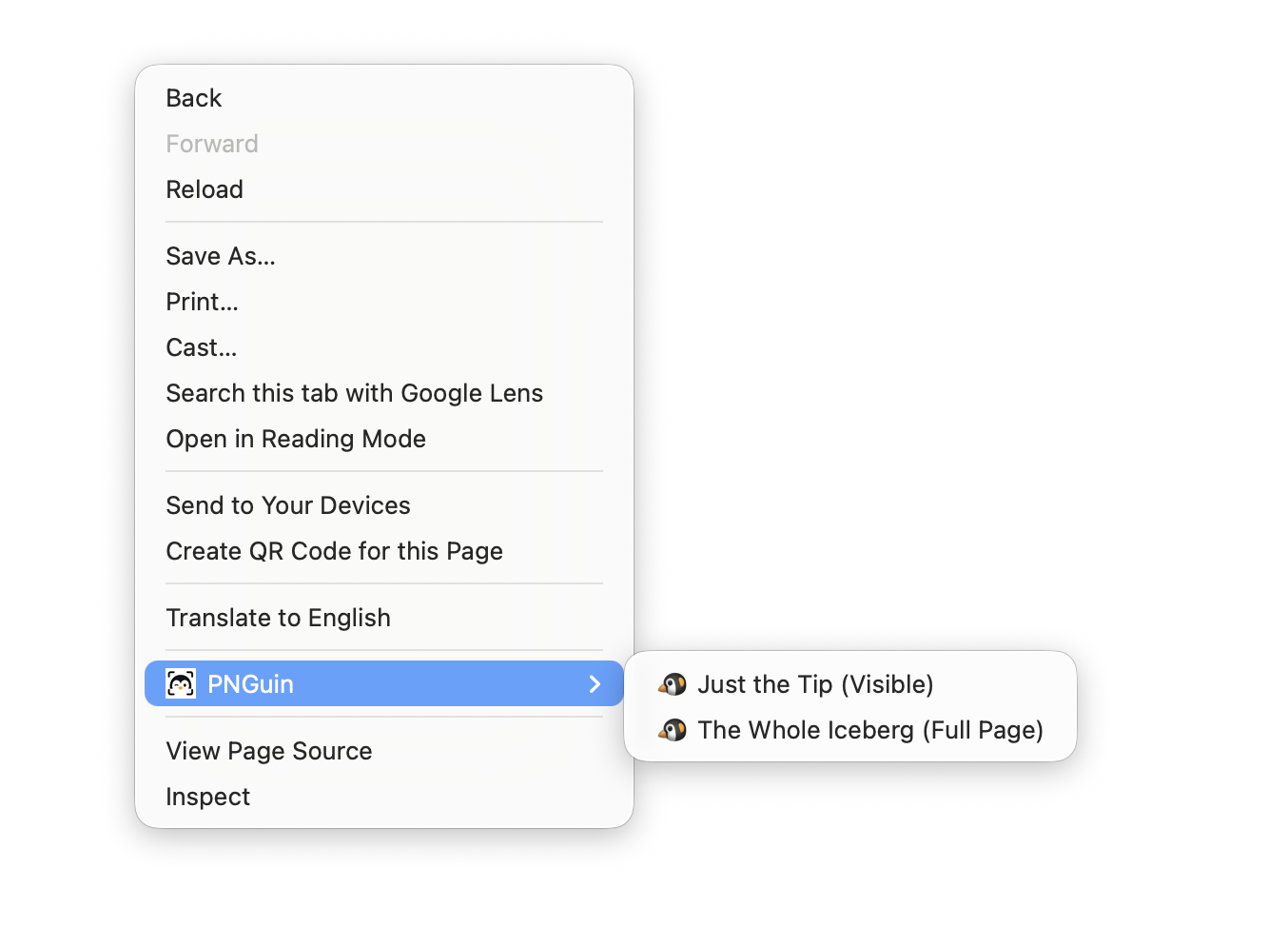
Right-click any page to capture just what's visible, or the entire thing — no fuss, no setup.
Add to Chrome — It's FreeOpen the context menu on any page. PNGuin lives right there — no toolbar icon required.
Just the Tip grabs what's on screen. The Whole Iceberg captures the entire scrollable page.
Your file arrives instantly, timestamped and named. No popups, no clipboard drama.
No extra UI to learn. PNGuin shows up exactly when you need it and stays out of the way when you don't.
Snaps exactly what's in the viewport — pixel-perfect, instant.
Expands to the full document height and captures every pixel in one clean PNG.
Files drop straight into your Downloads folder with a timestamp in the name.
PNGuin never phones home. Captures happen locally, period.
Install and go. No accounts, no settings screens, no onboarding flow.
Always PNG, always full quality. No JPEG compression artifacts.